Free
Generous tier, unlimited playback
Import EPUB and plain-text books you own or have permission to use. Narratr turns them into audiobook-style voiceovers you can listen to anywhere, with on-device voices, cloud AI voices, and read-along highlighting.
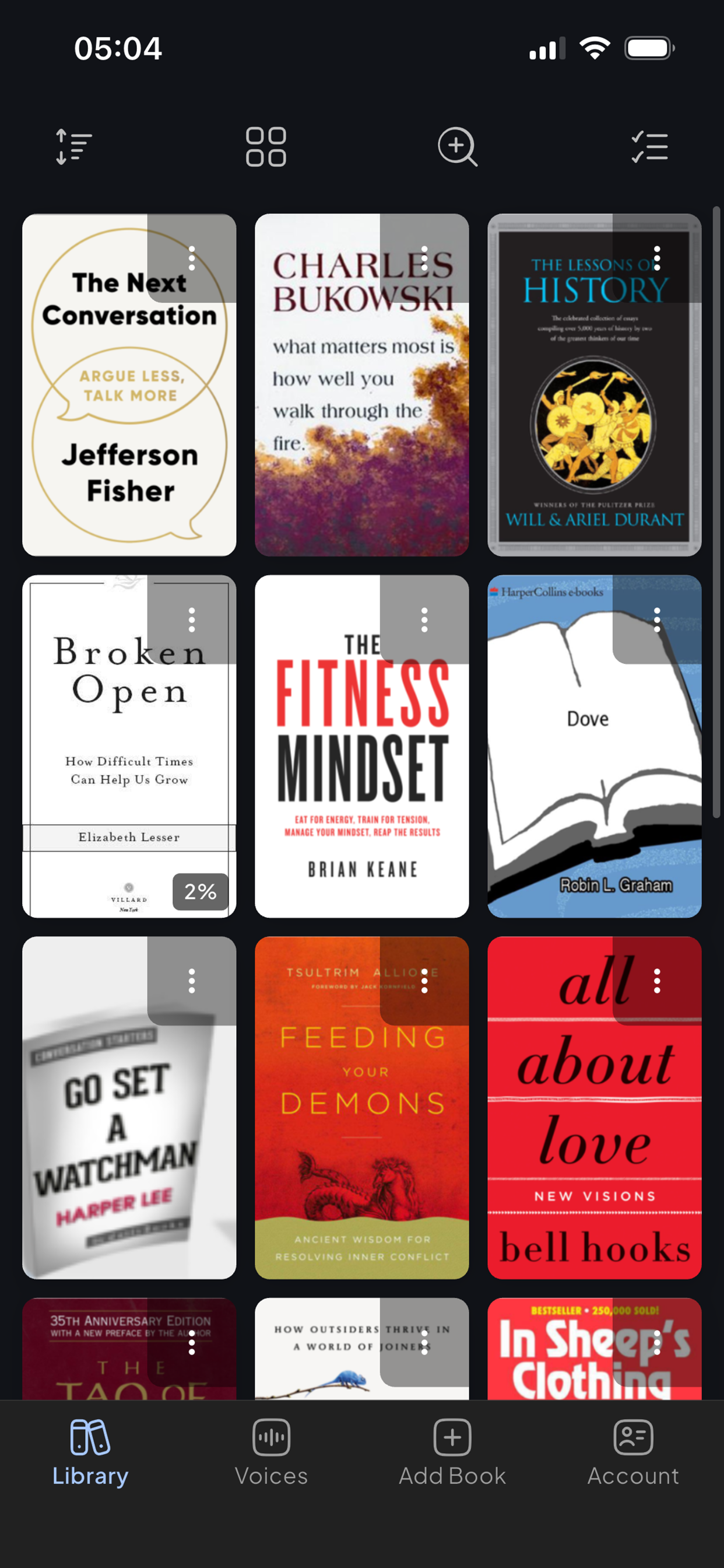
Import EPUB and plain-text files you already have permission to use, then create audiobook-style voiceovers with on-device voices or optional cloud AI narration.
Not a robot reading text or a generic voiceover tool. Narratr creates audiobook-style voiceovers from supported EPUB and TXT files — with tone, pacing, and voices designed for long-form books.
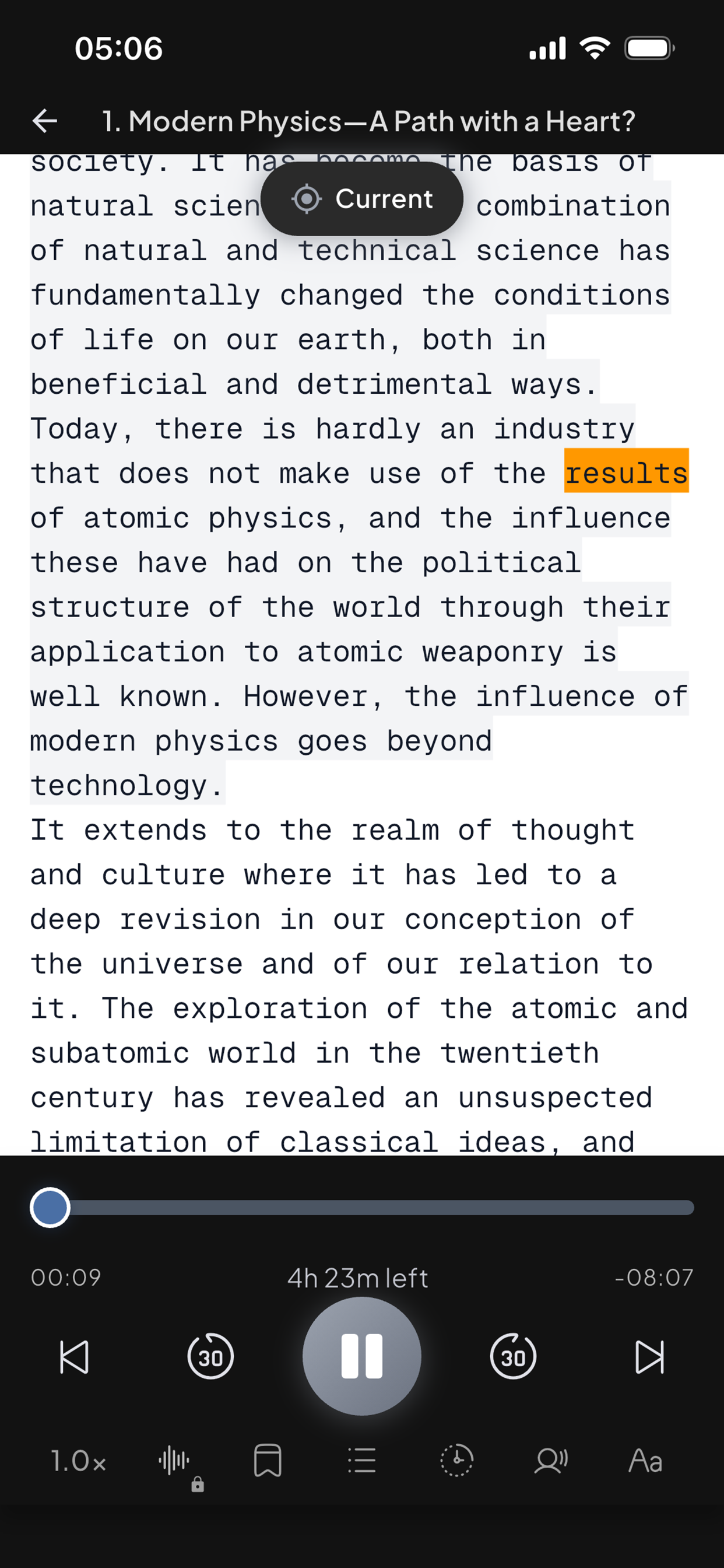
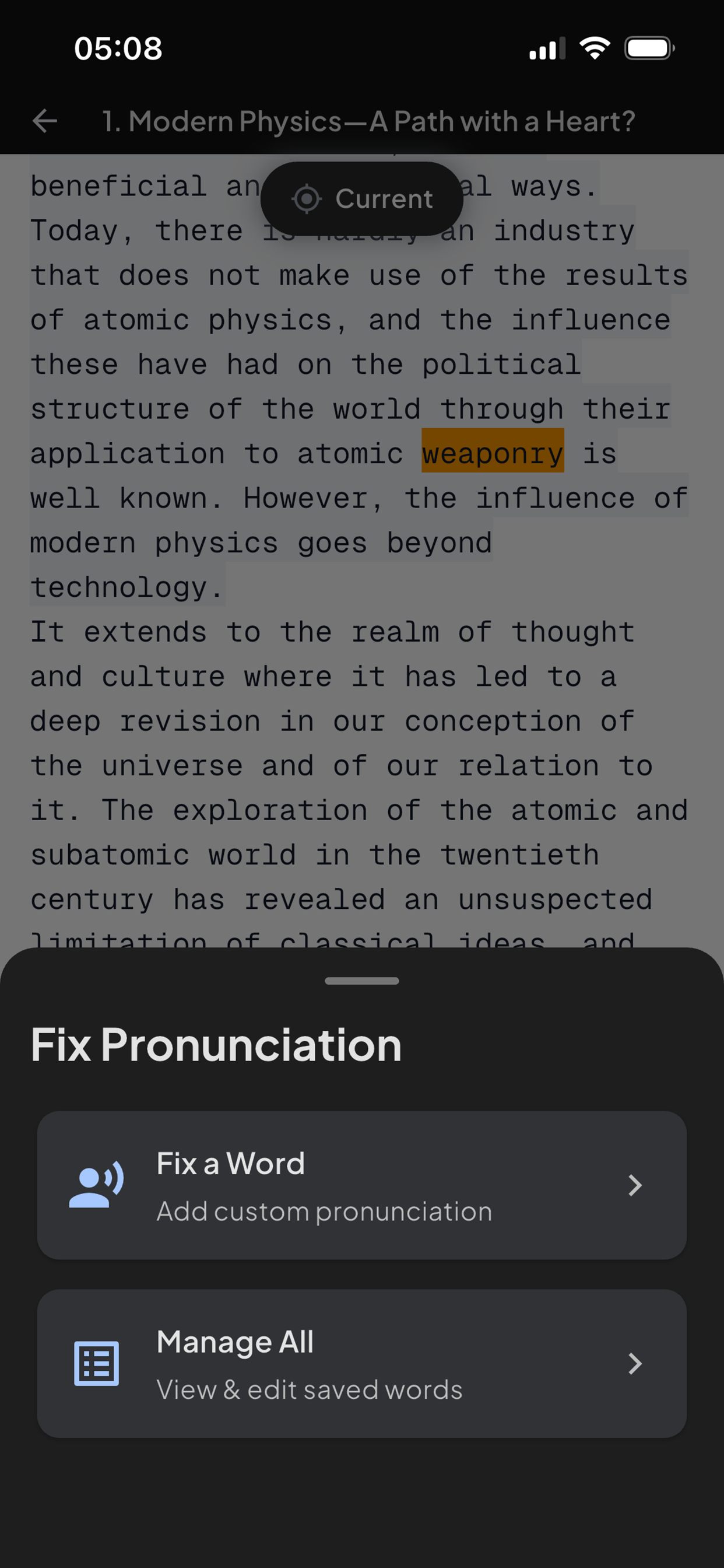
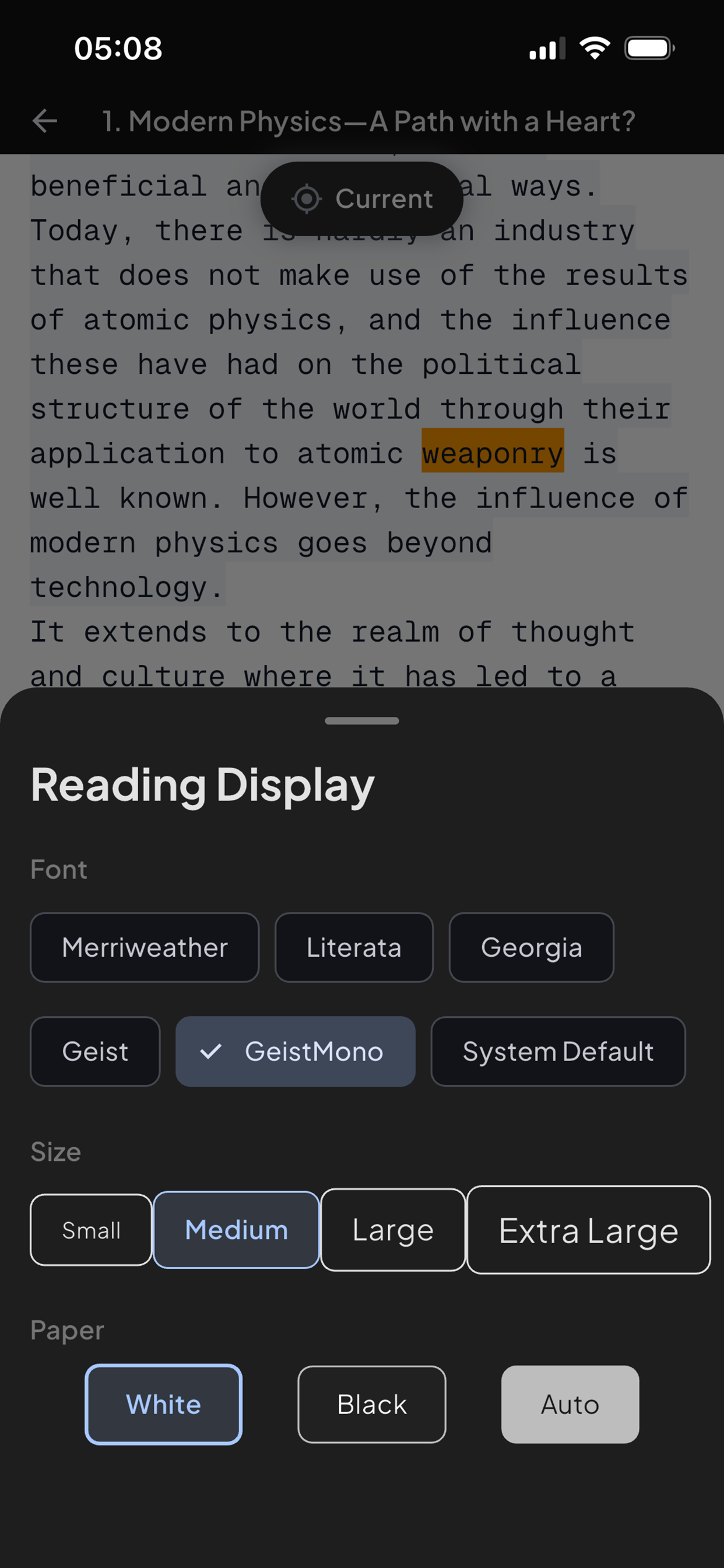
Bring supported files you own or have permission to use. Narratr does not claim Kindle, PDF, Audible, Apple Books, library-catalogue, or DRM-protected imports.
A short product-truth layer for brand searches and first visits: what Narratr is, which files it supports, and where the platform and privacy boundaries sit.
Narratr is an audiobook-style reader for EPUB and plain-text TXT files you own or have permission to use. It turns supported files into listenable audio with read-along text, on-device voices, and optional premium AI narration.
For public marketing claims, Narratr supports readable EPUB files and plain-text TXT files. It should not be described as supporting Kindle, Audible, Apple Books, PDF, DRM-protected books, or any ebook source without that EPUB/TXT boundary. See supported files for the full boundary.
No. Narratr is an audiobook-style app for turning supported EPUB and TXT files into listening sessions, with read-along text, position keeping, on-device voices, and optional cloud AI narration. It is not a generic voice recorder, dictation app, or commercial audiobook catalogue.
Yes. Narratr can turn readable EPUB files you own or have permission to use into audiobook-style voiceovers. The boundary stays clear: EPUB and TXT are supported, while Kindle, PDF, DRM-protected books, and third-party audiobook-library imports are not supported. Start with the EPUB to audiobook page or check supported files.
Imported books stay on your device as full files. On-device voices keep narration local; optional cloud AI voices require sending the current text needed for narration to TTS providers. The privacy page explains this in more detail.
Narratr is preparing for Android launch. The public iOS App Store link is available now, while Android launch status is handled through the support page until the public Play Store link is confirmed.
Narratr is preparing for Android launch. Download Narratr on iOS now, or join updates while the Android link is finalised.